
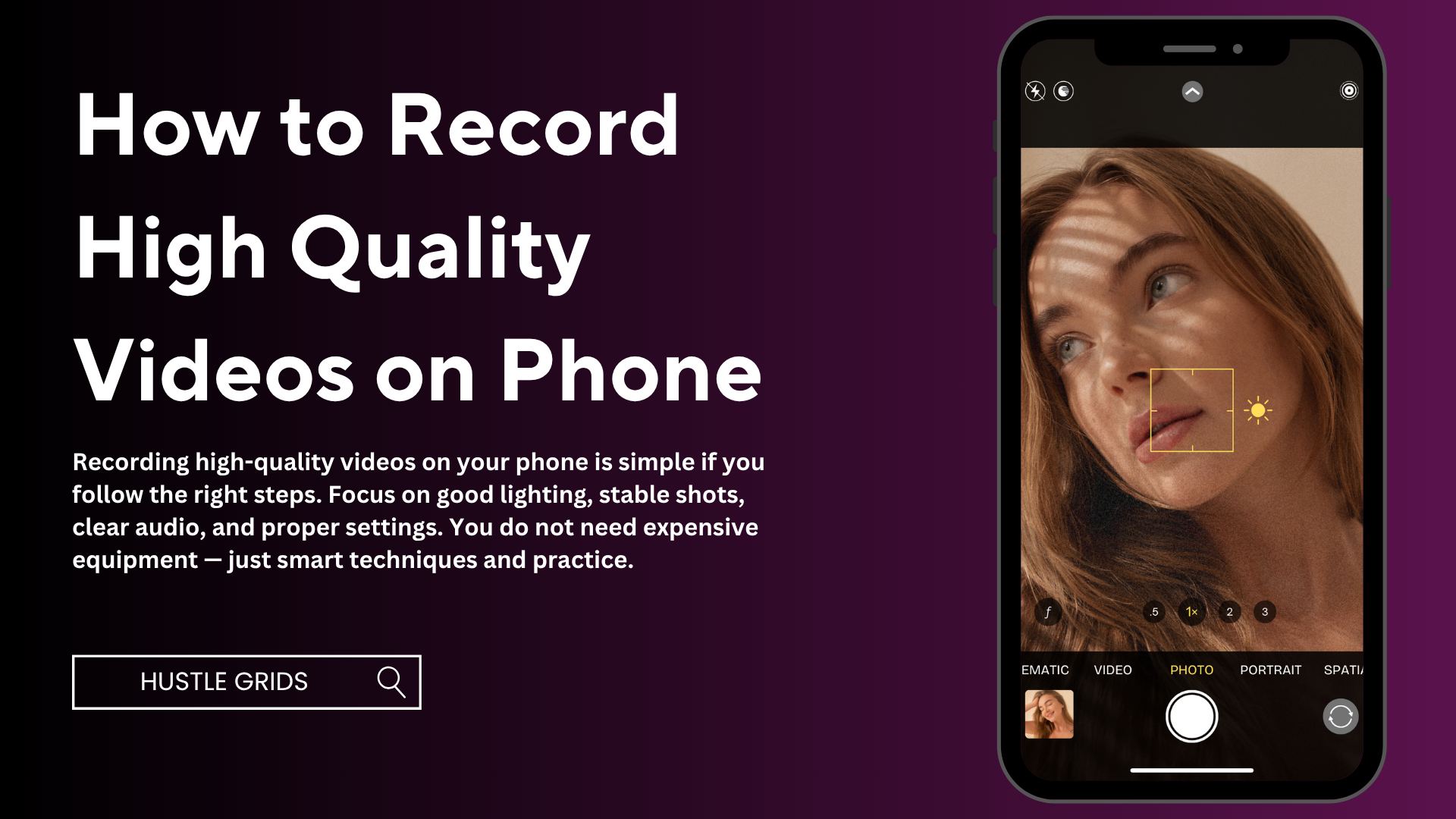
How to Record High Quality Videos on Phone
Recording high-quality videos is no longer limited to expensive cameras. With the right techniques, you can create professional-looking videos using just your smartphone. Whether you are making content for social media, YouTube, or personal use, improving your video quality can make a big difference.
This guide explains how to record high quality videos on phone using simple and effective tips.
1. Use Good Lighting
Lighting is the most important factor in video quality. Even the best phone camera cannot produce good results in poor lighting.
Tips for better lighting:
- Record in natural daylight whenever possible
- Face the light source (do not keep light behind you)
- Avoid dark or low-light environments
- Use a ring light if needed
Good lighting makes your video look clear and professional.
2. Clean Your Camera Lens
This is a simple but often ignored step. A dirty lens can make your video look blurry or dull.
Before recording:
- Wipe the lens with a clean cloth
- Remove fingerprints or dust
This small step can instantly improve video quality.
3. Use the Rear Camera
Most smartphones have better rear cameras than front cameras.
Why use the rear camera:
- Higher resolution
- Better focus
- Improved color quality
If you need to see yourself, you can use a mirror or record test shots first.
4. Set the Right Resolution and Frame Rate
Adjust your camera settings for better results.
Recommended settings:
- Resolution: 1080p or 4K
- Frame rate: 30fps or 60fps
Higher resolution gives sharper videos, while higher frame rate makes motion smoother.
5. Keep Your Phone Stable
Shaky videos look unprofessional.
Ways to stabilize your phone:
- Use a tripod
- Hold your phone with both hands
- Keep your arms close to your body
- Avoid sudden movements
Stable footage is key to high-quality videos.
6. Use Proper Framing
Good framing makes your video more attractive.
Tips:
- Follow the rule of thirds
- Keep your subject in the center or slightly off-center
- Avoid too much empty space
- Keep the background clean
Well-framed videos look more professional.
7. Improve Audio Quality
Good audio is just as important as video quality.
Tips for better sound:
- Record in a quiet place
- Avoid background noise
- Speak clearly
- Use an external microphone if possible
Poor audio can ruin even a high-quality video.
8. Use Manual Focus and Exposure
Many smartphones allow manual control of focus and brightness.
You can:
- Tap to focus on your subject
- Adjust brightness manually
- Avoid overexposed or dark shots
This helps you get a more balanced and clear video.
9. Shoot in Landscape Mode
For most platforms like YouTube, landscape mode is better.
Why:
- Wider view
- More professional look
- Better for editing
Use portrait mode only for short videos like reels or TikTok.
10. Use Basic Editing
Editing can improve your video quality significantly.
You can:
- Trim unnecessary parts
- Adjust brightness and contrast
- Add music
- Use transitions
Even simple editing makes your video more engaging.
Bonus Tips
- Record multiple takes and choose the best one
- Avoid using too much zoom
- Use grid lines for better composition
- Keep your background simple
Common Mistakes to Avoid
Avoid these mistakes:
- Recording in low light
- Shaky footage
- Poor audio
- Dirty camera lens
- Overusing filters
Fixing these mistakes improves video quality instantly.
Conclusion
Recording high-quality videos on your phone is simple if you follow the right steps. Focus on good lighting, stable shots, clear audio, and proper settings. You do not need expensive equipment — just smart techniques and practice.
With consistency and attention to detail, your smartphone videos can look professional and stand out on any platform.

Leave a Reply