

Video Editing: Turning Raw Footage into Professional Masterpieces
In today’s fast-paced digital world, video has become the most powerful tool for communication. From YouTube tutorials to Instagram reels, from corporate advertisements to wedding films—everywhere we look, video dominates. But behind every smooth transition, every eye-catching effect, and every emotional story lies the skill of video editing.
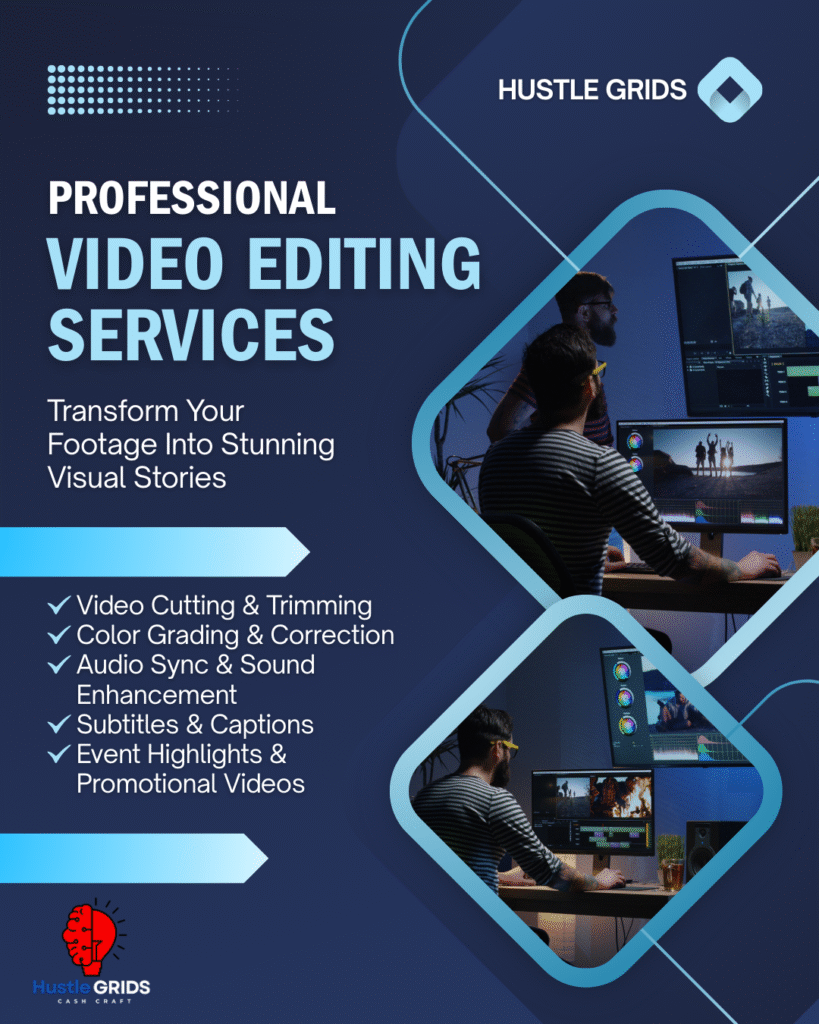
Video editing is not just about cutting and joining clips; it is the art of shaping a story, adding creativity, and ensuring that the message reaches viewers in the most engaging way possible. Let’s explore in detail why video editing is so important, what techniques are used, and how it can completely transform content.
What is Video Editing?
Video editing is the process of arranging, modifying, and enhancing raw footage to create a final polished video. It includes trimming unnecessary parts, adding effects, adjusting color, syncing audio, inserting graphics, and ensuring the video flows smoothly from beginning to end.
Without editing, most videos would look messy, confusing, and unprofessional. Editing gives life, structure, and purpose to the captured moments.
Why Video Editing is Important
- Captures Attention – With short attention spans in the digital age, only well-edited videos can hold viewers’ interest.
- Professional Look – Smooth transitions, perfect cuts, and high-quality visuals give credibility to your brand.
- Strong Storytelling – Editing arranges clips in a way that tells a clear and emotional story.
- Engages Emotions – Music, pacing, and effects create emotional impact, whether it’s excitement, joy, or inspiration.
- Boosts Marketing Success – Businesses that use engaging videos in campaigns see higher conversions and audience trust.
Different Types of Video Editing
Video editing is a vast field, and editors use different styles depending on the project:
- Basic Editing: Cutting, trimming, and merging clips to make a simple clean video.
- Montage Editing: Combining short clips to show progress or highlight moments.
- Cinematic Editing: Used in films and ads with dramatic effects, slow motion, and storytelling.
- Color Correction & Grading: Adjusting brightness, saturation, and tone to create a professional mood.
- Motion Graphics & Animation: Adding text, titles, logos, and animated visuals.
- Sound Editing: Syncing music, background sound, and voiceovers with video.
- Social Media Editing: Short, trendy, and catchy edits for platforms like TikTok, Instagram, and YouTube Shorts.
Tools and Software for Video Editing
Modern video editors rely on powerful software to produce high-quality videos. Some popular tools are:
- Adobe Premiere Pro – Industry standard for professional editing.
- Final Cut Pro – Popular among Mac users for fast and smooth workflow.
- DaVinci Resolve – Known for advanced color grading and effects.
- Filmora & CapCut – User-friendly for beginners and social media creators.
- After Effects – Perfect for motion graphics and visual effects.
Choosing the right tool depends on the project type and the editor’s expertise.
Skills Needed to Become a Great Video Editor
Being a video editor is not just about knowing software; it requires a unique combination of technical and creative skills:
- Creativity: Ability to make videos visually appealing.
- Attention to Detail: Ensuring cuts, effects, and transitions are flawless.
- Storytelling Sense: Knowing how to pace the video and build emotional impact.
- Technical Knowledge: Understanding file formats, resolutions, and export settings.
- Communication Skills: Working with clients, directors, or teams to deliver the right vision.
- Time Management: Meeting deadlines while maintaining quality.
The Process of Video Editing
- Importing & Organizing Footage – All clips are imported into the software and labeled properly.
- Rough Cut – Arranging clips in sequence without effects to get the basic structure.
- Fine Cut – Adjusting timing, trimming unnecessary shots, and polishing flow.
- Adding Effects & Graphics – Titles, transitions, overlays, and animations are included.
- Color Grading & Correction – Adjusting tone and brightness for cinematic appeal.
- Audio Editing – Adding music, sound effects, and balancing audio levels.
- Final Export – Rendering the polished video in required formats for YouTube, TV, or social media.
Benefits of Hiring Professional Editors
Even though editing apps are easily available, hiring professional video editors makes a huge difference:
Saves Time: You can focus on creating while the editor handles post-production.
Better Quality: Professionals know advanced techniques for cinematic results.
Consistency: Regularly edited videos help maintain brand identity.
Creative Input: Editors often suggest unique ways to make your video stand out.
Platform Optimization: Professionals ensure the video is optimized for YouTube, Instagram, or websites.
Final Thoughts
Video editing is the backbone of modern visual communication. From personal vlogs to large-scale corporate films, editing is what transforms ordinary footage into extraordinary stories. It is both a technical process and an artistic skill that requires creativity, precision, and a deep understanding of storytelling.
In a world where video dominates digital marketing, learning or investing in video editing is no longer optional—it’s essential. Whether you are a business owner trying to promote your brand, a content creator building your online presence, or simply someone passionate about visuals, mastering video editing can open endless opportunities.
Behind every captivating video lies hours of editing, creativity, and dedication. That is the true magic of video editing—it turns raw moments into timeless memories.

Leave a Reply